Getting started
Setting up takes four steps, and the setup guide on the app's home page tracks them for you.
- Add the WhatsApp number that should receive customer chats, on the Widget page.
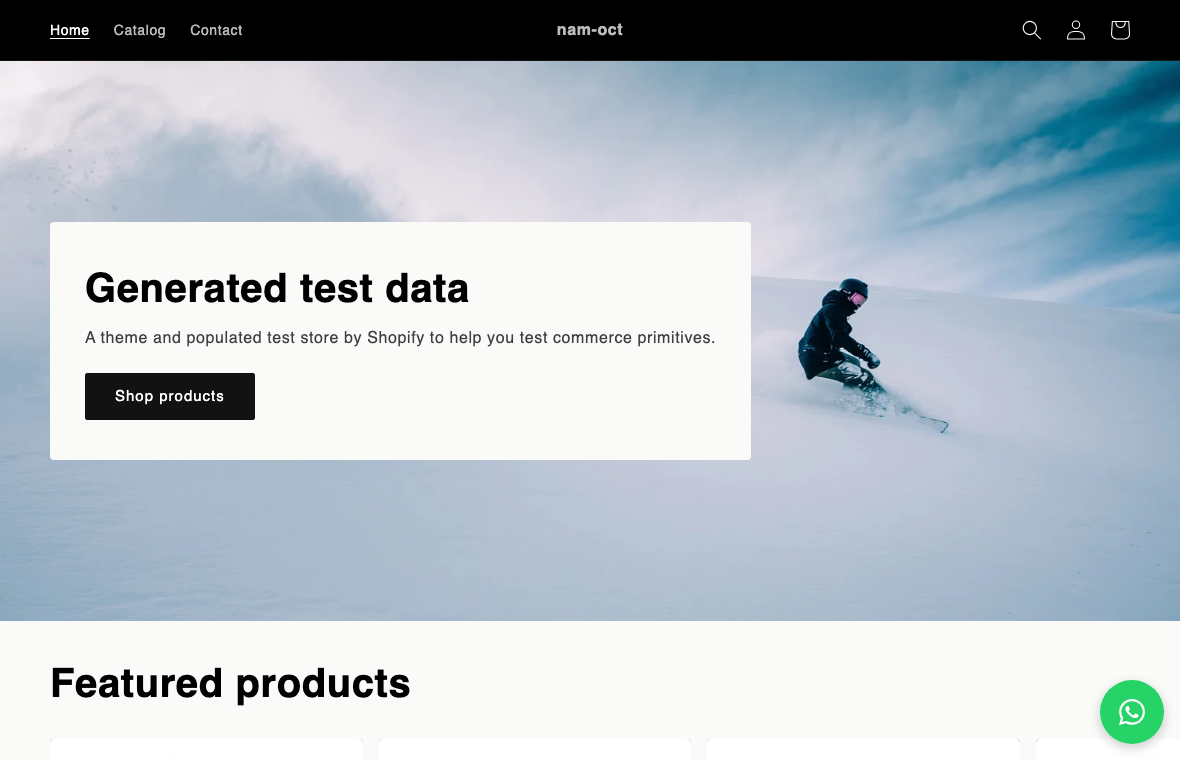
- Customize the button on the Appearance page — position, size, colour, and label.
- Turn the widget on from the home page.
- Enable the app embed in your theme: Online Store → Customize → App embeds → turn on “WhatsApp chat button” → Save.
Note: The app checks the last step for you. Open the home page again after saving your theme and the step ticks itself.