
Troubleshooting
Fixes for the problems merchants hit most often.
Common questions
The button does not appear on my storefront.
Check three things in order: the widget is turned on, the app embed is enabled in your published theme, and the page you are looking at matches the visibility rules. If business hours are on, the button is hidden outside those hours.
I enabled the app embed but the check still fails.
The check reads your published theme. If you enabled the embed on a draft theme, publish it first, or reopen the theme editor on the live theme and save there.
Chats open on the wrong number.
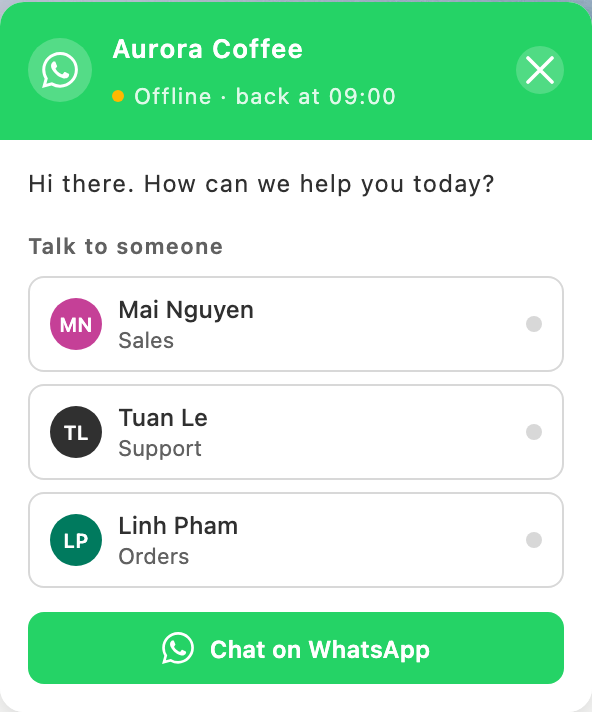
A customer who picks an agent goes to that agent's number. The number on the Widget page is only used when nobody is picked, so check that agent's number under Appearance → Agent picker.
The chat window shows nothing but the greeting.
Common questions and the agent picker are both toggles on the Appearance page. If both are off, only the greeting and the main button remain — which is a valid setup, just a minimal one.